One dashboard, every provider
AWS, Google Cloud, and Azure accounts sit side by side in a single Cloud Accounts view, each with resource count, open recommendations, dollar savings, sync status, and last-sync time at a glance.
Product · Platform Overview
Multi-cloud visibility, cost intelligence, a conversational AI assistant, and remediation that ships as code: one platform, run continuously across every account you connect.
Read-only access Terraform-native Guaranteed ROI
How it works
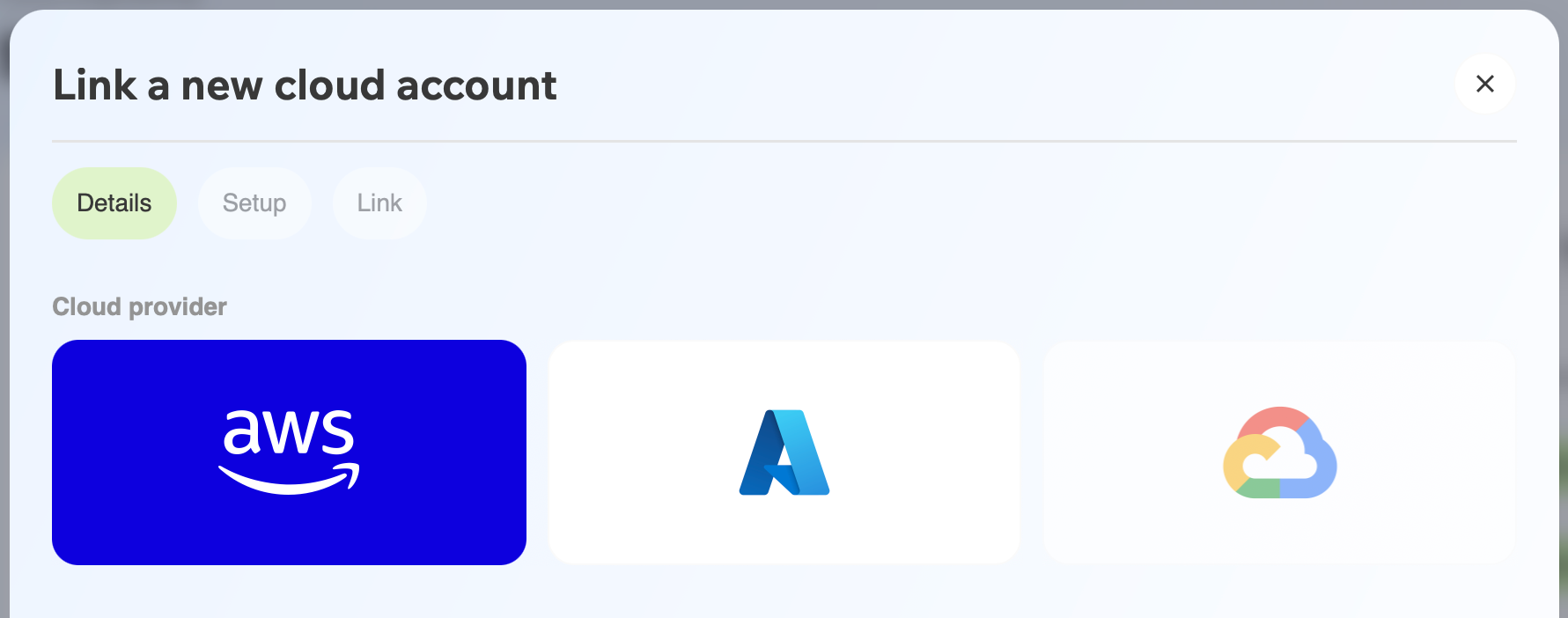
Plug in your AWS, Azure, and GCP accounts with read-only access. Jetscale never writes to your cloud. Nothing changes without your team's review.
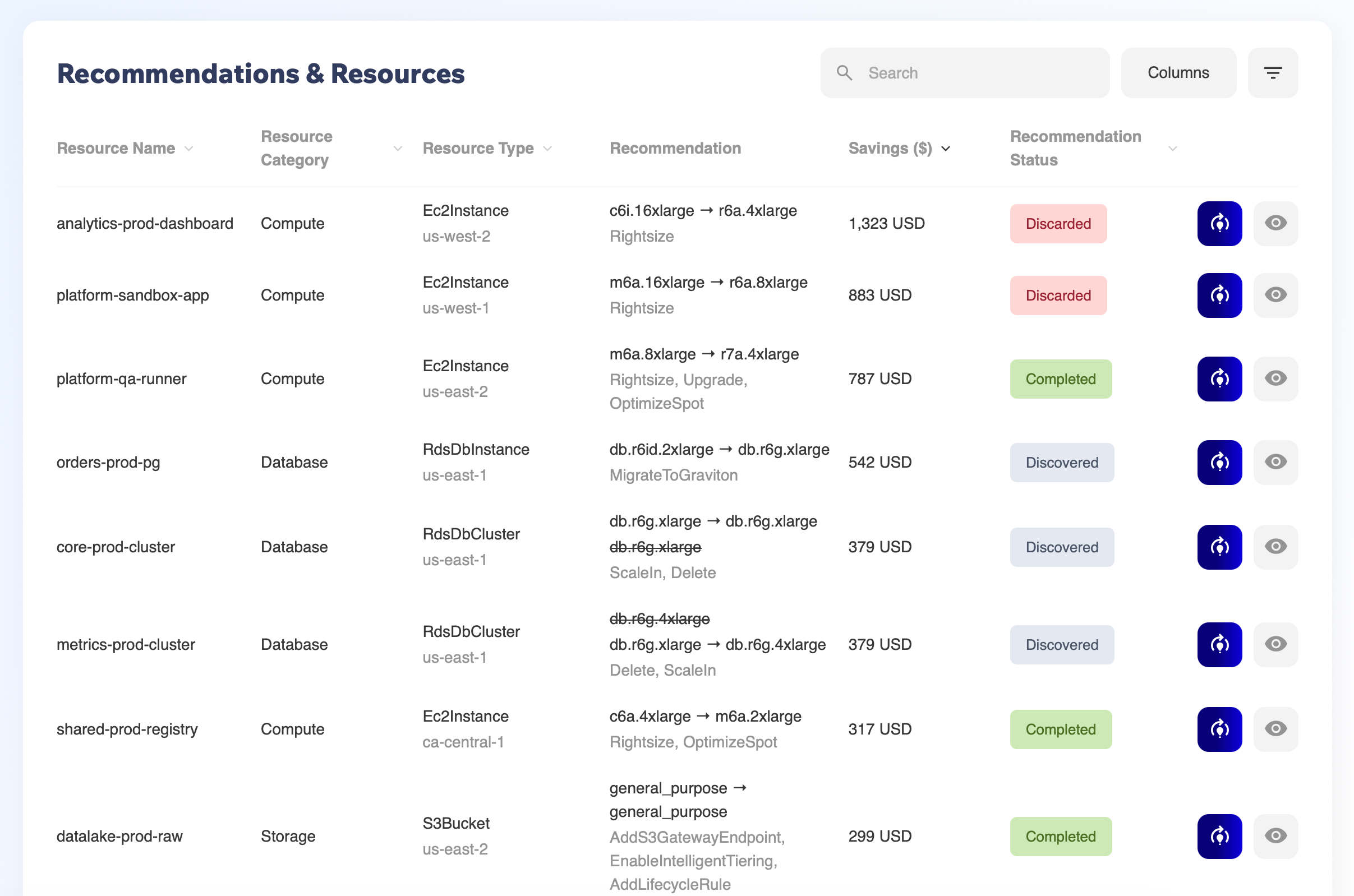
The Analyzer Agent scans your footprint and ranks every opportunity with evidence: telemetry, configuration data, and business context. Findings, not hunches.
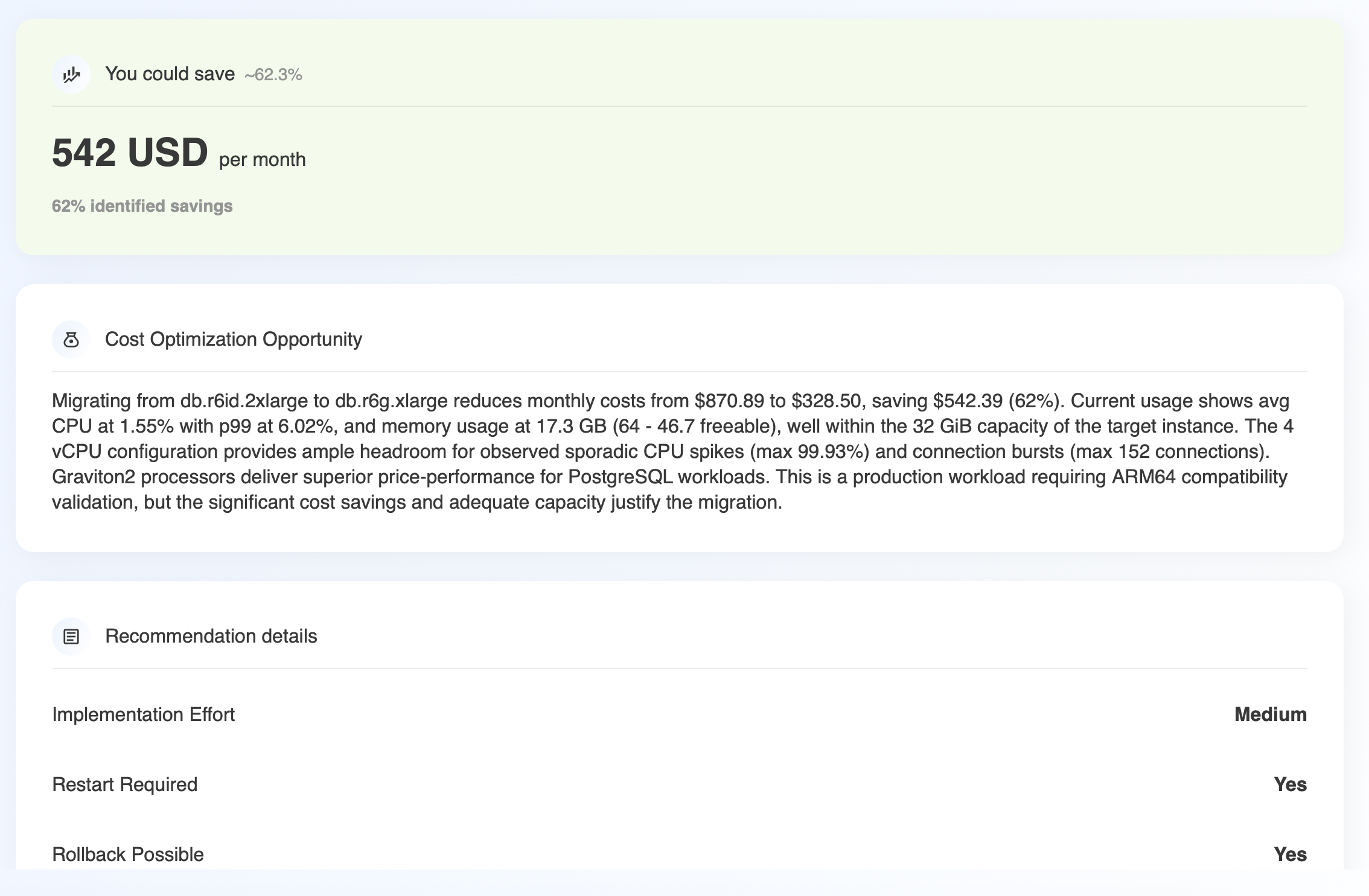
Each finding becomes a structured plan (what changes, expected impact, safest rollout path) delivered as a PR-ready Terraform diff or a guided ClickOps runbook with exact console URLs. Review, merge, deploy. Like any other change.
Multi-cloud visibility
Cloud accounts, wherever they live, roll up into a single place your team actually checks.
AWS, Google Cloud, and Azure accounts sit side by side in a single Cloud Accounts view, each with resource count, open recommendations, dollar savings, sync status, and last-sync time at a glance.
Onboarding another account is a guided "Link a new cloud account" flow inside the platform. No separate setup project, no waiting on a different team.
Accounts are grouped under business units (e.g. "Cloud Engineering") with the ability to switch between units and configure each one's name, description, and owner. Built for companies running cloud across more than one team.
Cost intelligence
From a single top-line number down to one line item on one invoice: the same platform, not a different tool.
Cloud spend, projected monthly savings, open recommendations, optimization coverage, governance gaps, and critical performance issues, together on one overview screen.
Savings break into Realized, Open, Deferred, and Discarded, with a realization-rate metric and a week-by-week trend, so "savings identified" and "savings banked" are never confused.
Aggregate cost by service, usage type, or a custom dimension, over any date range, with an interactive donut chart and a sortable table underneath.
A visual breakdown of resources and spend/savings by category (Compute, Storage, Database, Analytics, Monitoring, Security, and more) for when you need the shape of the bill, not just the total.
Ask Jetscale AI
Ask a question in plain English and get an answer synthesized from your actual resources, not a generic support article.
Ask questions like "why is this resource at critical risk?" and get a synthesized, resource-aware answer, no dashboard-spelunking required.
Switch the assistant's perspective (SRE and other roles) so the answer is framed around what that role actually needs to decide next.
Answers include a structured risk-factor table (finding paired with recommended remediation) plus deep links straight to the resource detail page behind it.
Every conversation is saved, so a root-cause thread from last week is still there to revisit, not gone the moment you close the tab.
Remediation & DevOps
A recommendation isn't done when it's found. It's done when it's merged. This is how it gets there.
Guided remediation sessions give you a dedicated workspace to review, discuss, and act on a specific recommendation, including an interactive assistant to answer follow-up questions before you commit to a change.
Native GitOps integrations connect GitHub and Azure DevOps so cost-optimization changes push directly to a repository as code, landing in the CI/CD and change-management process you already run, not a new one.
Explore the platform
Platform Overview is the map. Each area below has its own page with the specifics.
Rightsizing, storage tiering, idle resources, and network paths, found automatically and ranked by impact.
Learn more →EC2/EBS rightsizing, S3 lifecycle tiering, Spot via OptimizeSpot, and VPC endpoint gaps.
Learn more →VM and managed disk rightsizing, Blob tiering, and Reserved Instance alignment.
Learn more →Compute Engine and persistent disk rightsizing, GKE tuning, and committed use discounts.
Learn more →Give your own agents and IDE direct access to Jetscale's findings and fixes over the Model Context Protocol.
Learn more →Terraform, GitHub, and your cloud console: fixes ship through the tools you already use.
Learn more →Read-only design, least-privilege roles, and a full audit trail for every recommendation and merge.
Learn more →FAQ
Multi-cloud visibility across every connected AWS, Azure, and GCP account, cost-intelligence dashboards, Ask Jetscale AI for conversational Q&A about your environment, and a Fix Engine that ships changes as GitHub or Azure DevOps pull requests. The Analyzer Agent's evidence-backed opportunity detection lives on the Cloud optimization page, and security posture on the Security & access page.
Jetscale doesn't stop at reporting. It turns opportunities into Terraform-ready remediation changes your team implements through normal engineering workflows.
No. Jetscale is read-only in your cloud environment. It generates reviewable, fix-ready IaC your team merges and deploys through your existing workflow.
Every plan is pre-verified before it's recommended. OptimizeSpot simulates eviction risk against your actual workloads, and every fix ships as reviewable code with a structured plan, so your team validates scope and confirms impact after rollout. No blind changes.
Self-funded. Jetscale charges a fee and verifies savings against your actual bill. If verified savings come in below the fee, we credit the difference. ROI is guaranteed.
Get started
Read-only connection. Evidence-backed findings. PR-ready fixes. Self-funded, with guaranteed ROI.